Why a Promo Code Fails at Checkout
Six specific conditions cause almost every promo code rejection at checkout. This piece identifies each one and explains what the error screen is actually telling you.
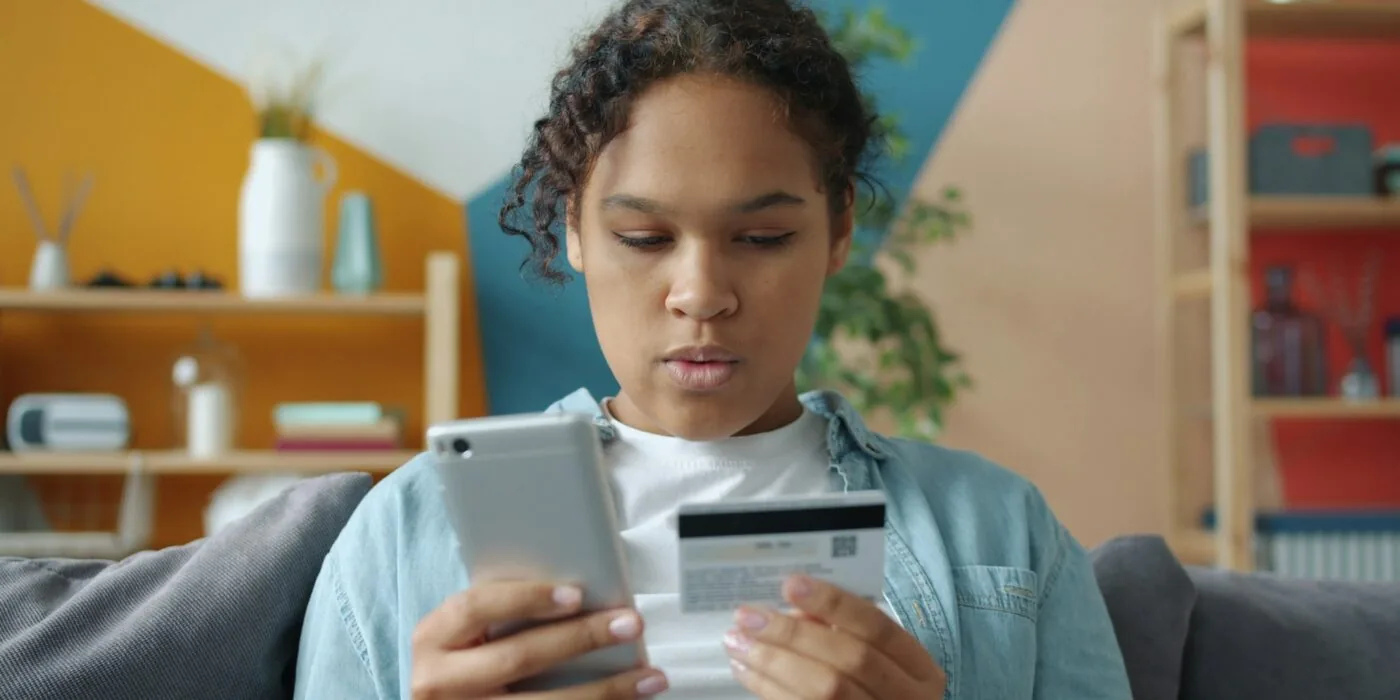
A rejected promo code almost never means the code was fake. Six conditions cover nearly every failure, and each one leaves a different clue at the checkout screen. Knowing which condition applies saves time and, usually, the discount.
The order minimum you did not see
This is the most common cause by a wide margin. A code promises fifteen or twenty percent off, the fine print sets a spend threshold, and the cart sits one item short of it.
Retailers bury the minimum in the terms line beneath the offer headline, not in the discount label itself. The headline reads “20% off your order” and the qualifying clause appears in smaller text below: “on orders of $50 or more.”
If the checkout screen shows the code as “applied” but the discount reads zero, a spend floor is the first thing to check. Adding a lower-cost item to the cart to cross the threshold is usually faster than finding a different code.
First-order restriction tied to email, not device
New-customer codes verify the email address attached to the account, not the browser or the device. A shopper who has ordered before under the same address will see the code rejected even on a fresh browser session.
Some retailers extend this check to the payment card on file. A card previously used for any completed order can disqualify the account regardless of whether the email is new.
The error message rarely says why, which is why this condition gets misread as a dead code.
Excluded brands and categories
“Sitewide” in a retailer’s copy does not mean every product in the catalogue. New releases, limited-edition collaborations, and items already marked down tend to sit outside the discount logic entirely.
Some retailers also exclude specific high-demand brands by name in the terms, listing them in a clause that begins “excludes” and runs to several lines of fine print.
A cart that mixes eligible and excluded items will often apply the code to the eligible portion only, reducing the visible savings without an explicit error. The discount total drops below what the percentage implies, but the code still shows as accepted.
The code expired before you arrived
Only about one offer in ten carries a visible end date in the affiliate feed that most aggregators pull from. The rest expire quietly on the retailer’s side.
When Couptic’s feed cross-check flags a mismatch between a code’s status in the affiliate network and its behaviour at checkout, that code moves to inactive.
The lag between a code dying on the retailer’s server and that status propagating across the wider web is where most “expired” complaints originate.
A code string that still appears in search results can be weeks past its actual end date.
Single-use codes shared publicly
Some retailers issue unique codes, one per customer, that become void the moment anyone else redeems them. These appear valid in a feed because the string exists in the system, but the first redemption burns the code for everyone who finds it afterward.
Loyalty program codes and referral codes are the usual format. If the code you have looks like a long alphanumeric string rather than a short memorable word, it is likely a single-use token.
Stackability rules
Retailers set whether a promotional code can sit alongside a sale price, a loyalty point redemption, or a second code. Most do not allow more than one discount mechanism at once.
If the cart already has a bundle deal or a member price applied, a promo code entered on top of it will fail silently or return a “cannot combine” message.
Some checkout systems accept the code entry but apply a zero value, which looks like a glitch but is the stackability rule working as designed.
Removing the existing discount and re-entering the code is the fastest test. If the code then works, the problem was stacking, not the code itself.
Live offers in Clothing & Accessories

Tessa Moreau
Tessa covers sporting goods and outdoor retailers for Couptic. She tracks how brand exclusions and membership programs interact with promo codes, which is where most checkout surprises in this category come from.